Guide · Director craft
How to Sync PMV Cuts to Music
You put the cut on the marker. Dead on the kick. You play it back and it still feels like nothing happened.
That's the one everyone hits. The picture and the sound share a timestamp, and they still have nothing to say to each other. A guy mid-stroke is not watching your timeline. He's waiting for a body and a beat to grab each other. When they do, his hand answers. When they don't, he notices the edit. Then he closes it.
A beat grid tells you where a cut can go. It does not tell you why it belongs there. Beat sync is a pairing you can feel. A musical event and a visual event hitting the same nerve, in the same moment, while he's already in it.
This is one piece of how to make a PMV. The grid is the cheap part. The pairing is the job.
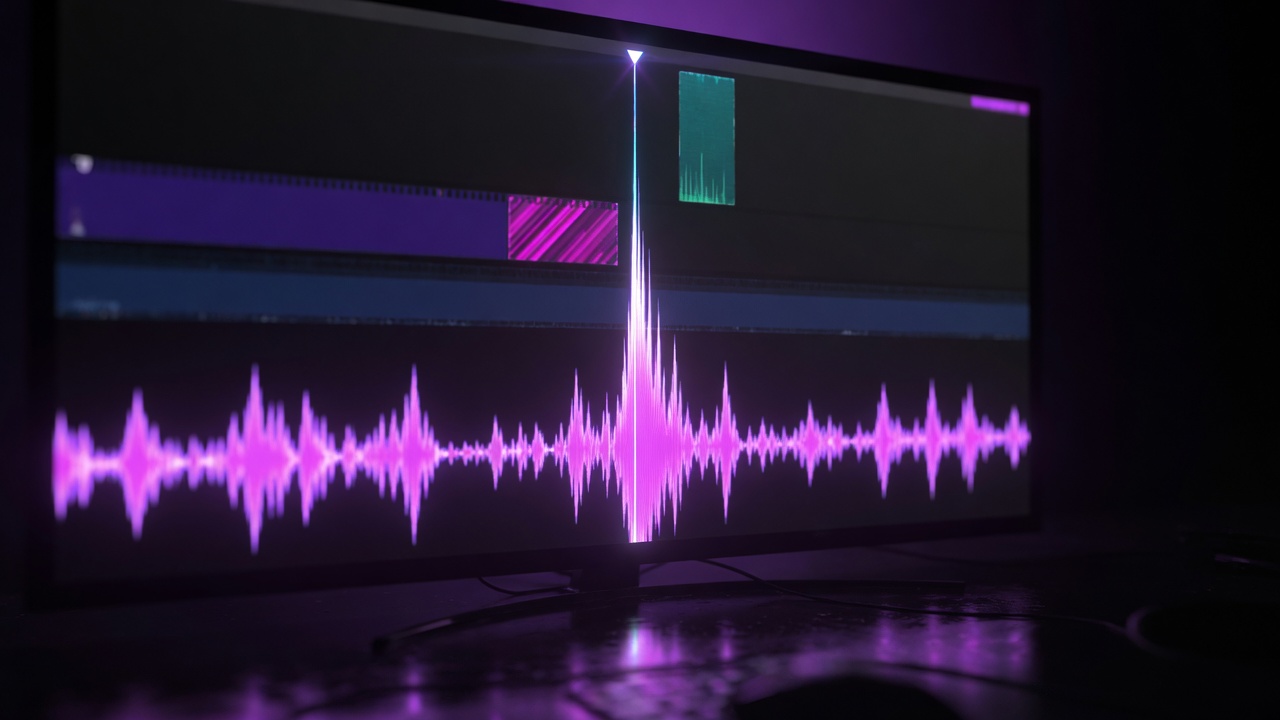
Get the grid right first
If the grid is wrong, nothing else works. You can pick beautiful pairings and they will still slide off the song.
You need three things true at once. The BPM has to match the track. The downbeats have to land on the real ones, not the off-beats you liked better in headphones. And the grid has to hold through the whole song. A lot of tracks drift. If your markers slowly walk away from the drums, every cut that looked locked in bar 8 will feel drunk in bar 40.
Fix that first. Markers in a Premiere-style editor already live on source clips and on the timeline, including sync points. Use them to pin the music. Then leave the grid alone and start listening for events, not ticks.
Not every beat wants a cut
His arousal has a budget. If everything is loud, nothing is hot. You already know this from watching. The PMV that slams a new clip onto every kick for four minutes is the one you click away from. Your hand got bored. There was no place to want.
Music has levels. A phrase arriving. A bar starting. A single beat. A little run of subdivisions. And then the stuff that does not live on the grid at all: a vocal stepping in, a drum fill, a sudden hole where the beat used to be. Ride the level that is carrying the pattern in this part of the song. Spend your bigger visual moves on the bigger musical moments. Let the quiet parts stay quiet.
That last one is the part people skip. They think more cuts means more energy. It means more noise. Withholding is what makes the next hit land. Same reason a cockhero video that only ever speeds up dies in your lap. You need something to miss.
What this section is allowed to spend is not a local call. It belongs to the session's intensity plan. A cut that feels great in isolation can still be the wrong size for where he is in the video.
Three moments, not one marker
Stop treating the beat marker as the event. There are three separate moments, and the cut is only one of them.
First, the event in the music. A snare. A vocal entrance. The instant a beat disappears. The crash that opens the chorus. Name it out loud if you have to. If you cannot name it, you do not have a pairing yet. You have a timestamp.
Second, the event in the footage. Footage has timing of its own. A motion peak. An impact. A direction change. Eyes hitting the camera. A reveal finishing. A pose locking in. Someone entering or leaving the frame. People who study movement set to music have found that whether a move "lines up" depends on the move itself, and on whether you can see it coming. Different motions, different answers. Researchers have even pulled a kind of visual beat out of motion in a shot and lined those up with musical beats. None of that was PMV work. The useful part is simple. The clip already has a moment that reads as the event. Find that, not the first frame you happened to drop.
Third, the cut. The cut does not have to land on either event exactly.
You can cut into the event. Show the approach. Let the visual peak arrive with the sound. This is how a thrust gets to feel like the snare, instead of like a clip that started near a snare.
You can cut on it. Picture and sound change in the same instant. Clean. Easy to overuse.
You can cut after it. Let the action finish first. The moan completes. The hips finish the stroke. Then you leave. Early is not energy. Sometimes it is just missing information.
Or you do not cut at all. Motion inside the shot carries the sync. The beat happens, the body already in frame answers it, and you leave the edit alone. That is still sync. It is often the one that feels expensive, because he feels the hit without you announcing that you did something.
The method is a way to work, not a button in Premiere and not a rule the industry agreed on. Mark the music event. Mark the footage event. Then decide what the cut is doing in relation to both.
Eight seconds at 120
Take eight seconds of a 120 BPM track in 4/4. That is four bars. The section is building toward a reveal. You already know what you want him to see at the end. Now you decide what he is allowed to have on the way there.
Bar one, downbeat. Cut on a body arriving in frame. First contact. He can feel that the section started.
Still in bar one, the next few beats. Do not cut. The hips are already moving. Let that motion take the beats. If you keep interrupting a stroke that is already working, you teach him to watch the edit.
Bar two, downbeat. A harder hit in the track. Cut into a thrust so the impact lands on the snare. He sees it coming for a few frames, then the body and the drum meet. That is the pairing.
Later in bar two, a vocal lean or a small fill. Cut after a head throw, once the motion has finished. You are not chopping the gesture off to look busy. You are letting him have the whole thing, then taking it away.
Bar three, downbeat. This is the one he expects. The pattern has been teaching him that big beats get a new picture. Hold. Stay in the shot. Let the body keep working through the beat he thought would cut. Not yet. He will lean in. That lean is the point.
Through the fill that leads into bar four, do not cut again. The motion already in the frame can ride the fill. Two stretches now where the shot, not the edit, did the work.
Bar four. The phrase arrives. The reveal finishes with it. Clothes gone, or the toy seated, or the camera finally getting the angle you have been hinting at. Spend the big visual here, on the big musical moment, because you saved it. He ends the eight seconds closer than he started and can feel why.
Play it once with the sound off and check that the footage still has a shape. Play it with sound and check that his body would know when the hold happened. If both are true, the pairings are doing the job.
When it feels close, try three frames
"Cut one frame early" is not a law. One frame is a different slice of time at different frame rates. About 42 milliseconds at 24 fps. About 33 at 30. About 17 at 60. You are not applying the same trick in each of those.
People's sense of "these line up" also shifts with the content and the moment. A slap, a blink, a long grind, a sudden silence: they do not all want the same offset. If a pairing feels close but not right, do not theorize it on a zoomed-in timeline. Make three versions. On the sound. One frame early. One frame late. Watch them at full speed, the way he will. Keep the one where the event reads.
Never judge this from a magnified waveform with your face in the display. Sync is a body feeling. Full screen, real volume.
Why it still feels wrong
The cut is aligned and still looks random. You marked beats and ignored the footage. Mute the music. Watch the clip until you can point at the frame where something actually happens. Mark that. Then bring the song back and pair those two events. If you cannot find a moment in the shot, pick a different shot.
Everything feels equally important. You spent your biggest moves on your smallest beats. Go back to the levels. If this bar is just holding a groove, stop throwing reveals at it. Save the gaze-into-camera and the clothes-coming-off for the phrase arrivals. Let a few beats be boring on purpose.
It feels late. The visual event itself is landing after the sound, or he needed more approach to see it coming. Cut earlier in the clip so the peak meets the hit. Or stop cutting on the event and cut into it.
It feels early. You cut off the outgoing action before it finished. The stroke did not complete. The mouth was still opening. Early can feel like energy in your head and like a glitch in his. Let the motion resolve, then leave.
A fast passage is unreadable. The shots are shorter than the material needs. A face needs a certain amount of time before it is a face and not a smear. If the drums are busy, ride motion inside fewer shots instead of chopping to every subdivision. He cannot get hard to a picture he cannot see.
The section fights the whole video. A cut can work and still be wrong for the session. If this is the long tease, your sync should withhold more than it spends. If this is the stretch where you are supposed to stop being kind, the holds get shorter and the pairings get meaner. Why a PMV works is not a pile of locked cuts. It is what those cuts do to him across the whole ride: stroke, tease, get close, hold, get allowed to finish.
Where is cheap. Why is the work.
Software can show you every beat in the song. That is useful, and it is not the craft. The craft is choosing which sound and which moment in the footage belong together, and when to refuse the cut he is already braced for.
That second part is the one we are aiming Kira at. Not there yet. The grid cannot choose the pairing for you.
Sources
Adobe, "Add markers to clips in Premiere"
Davis and Agrawala, "Visual Rhythm and Beat"
Eg and Behne, "Perceived synchrony for realistic and dynamic audiovisual events"
Sources
- Adobe, "Add markers to clips in Premiere" (helpx.adobe.com)
- Takehana, Uehara, and Sakaguchi, "Audiovisual synchrony perception in observing human motion to music" (pmc.ncbi.nlm.nih.gov)
- Davis and Agrawala, "Visual Rhythm and Beat" (doi.org)
- Eg and Behne, "Perceived synchrony for realistic and dynamic audiovisual events" (pmc.ncbi.nlm.nih.gov)